
Series Search
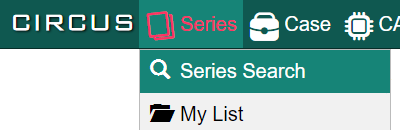
You can enter the Series Search screen in two ways:
- Select [Series] - [Series Search] in the top menu.
- Select [Series Search] in the home screen.
Setting Search Conditions#
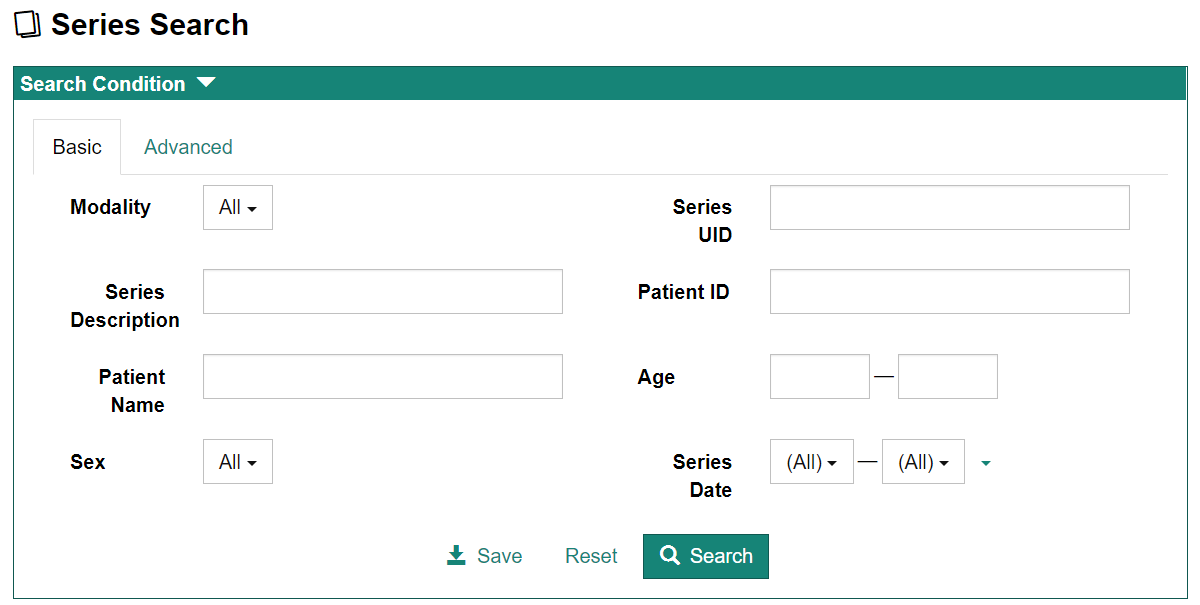
You can specify the search condition in the "Search Condition" on the top of the page. You can toggle search modes using the tab.
Basic Search#
You can perform search using basic conditions.
Advanced Search#
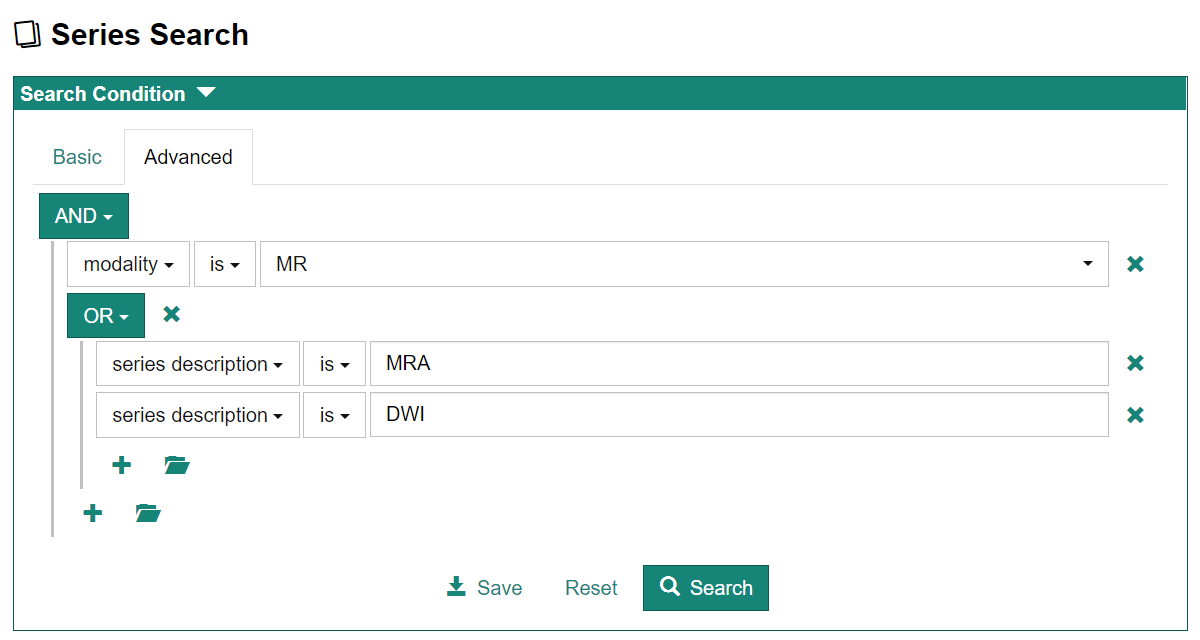
Advanced search lets you use other search keys and complex conditions.
Viewing Series Search Results#
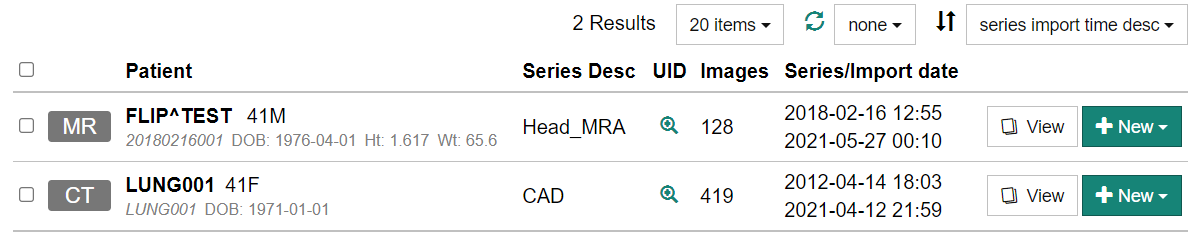
Search results will be displayed below the condition box.
-
Click on the magnifying glass icon in the "UID" column of each row of the list to display the Study Instance UID and Series Instance UID for that series. You can copy each UID to the clipboard.
-
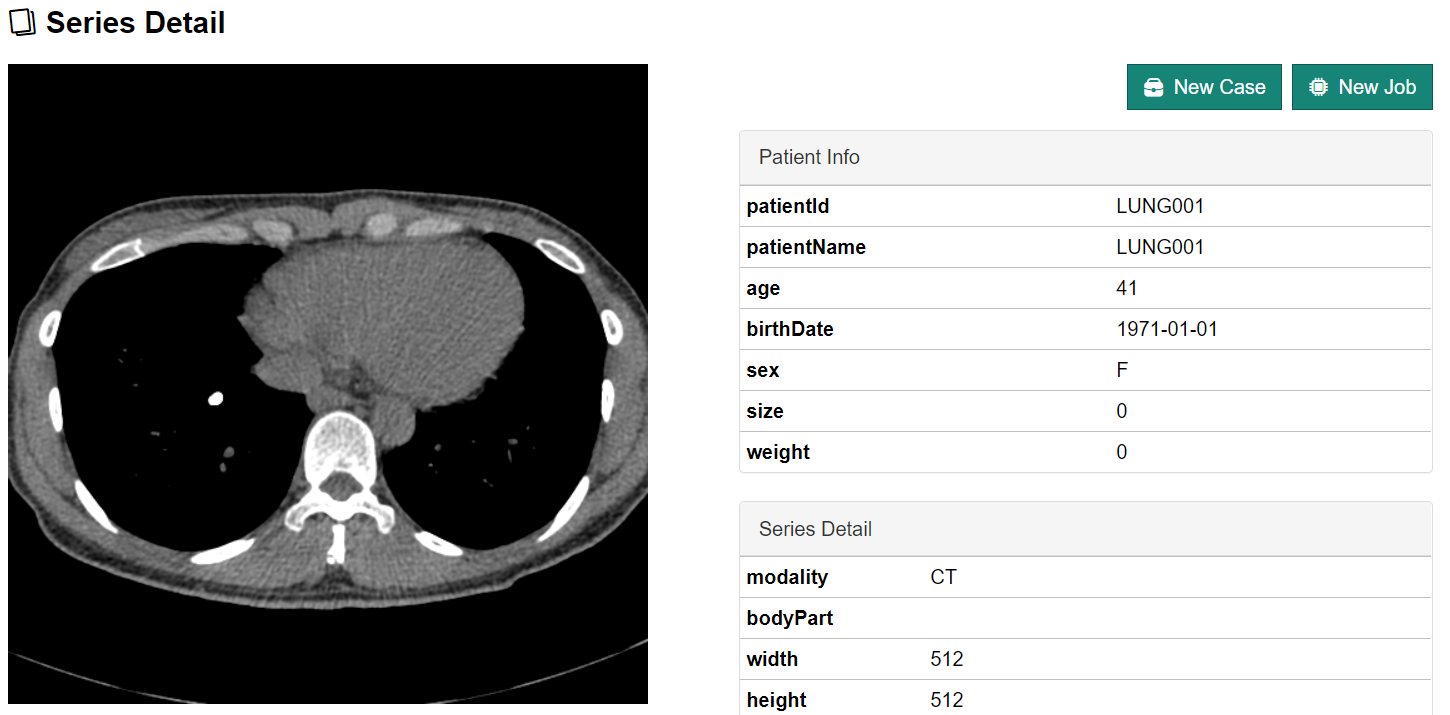
Clicking the "View" button on each row of the list displays the Series Detail screen, which shows the images and detailed information about the series.
-
Click [+ New] to create a new Case (CIRCUS DB) or create a new plug-in job (CIRCUS CS).