
Permanent Access Tokens
When you want to programmatically access CIRCUS REST API, or when you want to use DICOM Storage Server to upload DICOM series from imaging modalities, you need to generate a permanent access token for a user.
Generating a Permanent Token#
Via Web UI#
-
Select [Tool] - [Access Tokens] in the top menu.
-
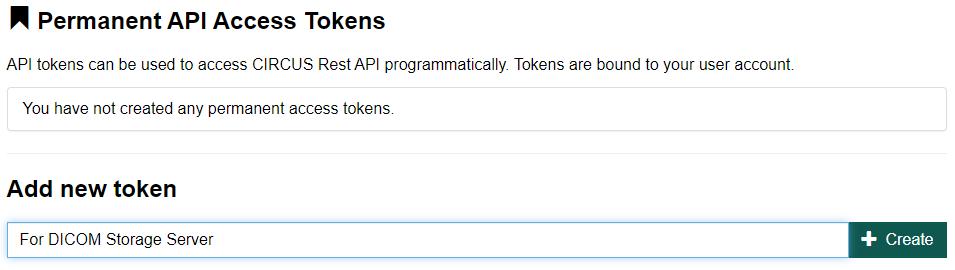
Generate a new token by clicking the "Add new token" button. Input a short text that describes the purpose of this token.
-
Store the generated token securely to somewhere. You cannot display this token again.

Via CLI#
Attach to Bash in the CIRCUS container (see Installation), and run the following commands.
Inside the container
# /circus/services.sh &
# cd /var/circus/circus-api
# node circus add-permanent-token <LOGIN-NAME-OR-EMAIL>
Using a Permanent Token#
The generated token can be used to access CIRCUS API. For details, refer to the Developer Guide.